Key takeaways
- A digital escape room is an online activity where students solve subject-based puzzles to unlock a series of "locks" and finish a mission, all inside a self-checking form.
- To run one you need almost nothing: a device, a web link, and about 30 to 45 minutes. No physical locks, no boxes, and no setup.
- They suit Grades K to 8 across every subject, and the easiest first one to try is a single-skill room in a subject your class already knows.
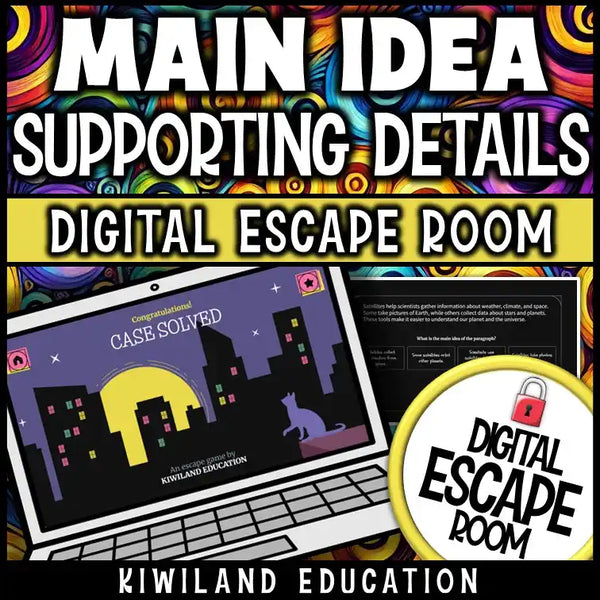
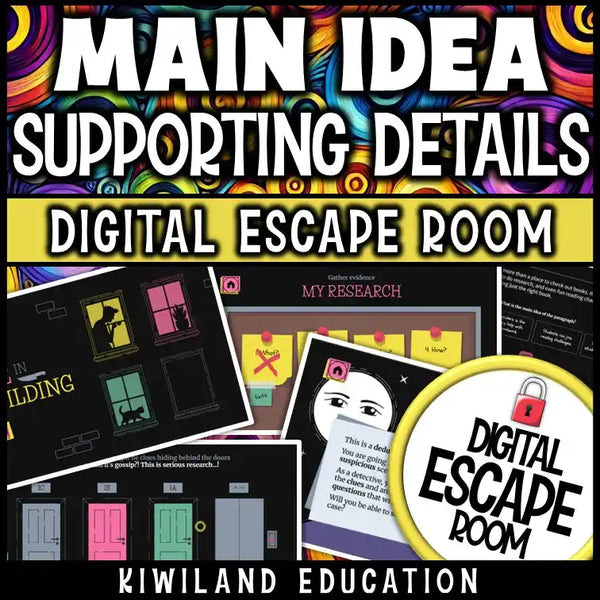
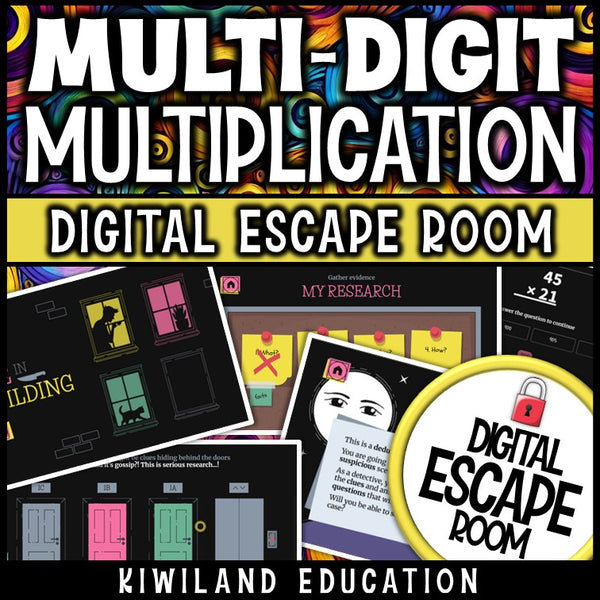
A digital escape room is an online version of the escape-room game, built for the classroom. Instead of a physical room full of padlocks, students work through a series of on-screen puzzles, and each correct answer unlocks the next stage until they complete the mission. The puzzles are really just skills practice in disguise, so while students think they are cracking codes, they are actually reviewing math, reading, or science. If you have never run one, a self-contained room like the Main Idea escape room or the Multi-Digit Multiplication escape room is an easy way to see how the format works.
The best part for a first-timer is that a digital escape room is self-checking and needs no prep. You share one link, students type answers, and a wrong answer simply will not let them move on. This guide walks a first-time teacher through what a digital escape room actually is, what you need to run one, how to choose your first, and what to expect when you press play.
What is a digital escape room, exactly?
Think of it as a themed mission split into a handful of "locks." Each lock holds a puzzle, and the puzzle is built from a skill you are teaching, such as finding the main idea, multiplying, or identifying forces and motion. Students read the scenario, solve the problem, and enter the answer. Get it right and the next lock opens. Get it wrong and nothing happens, so they go back and try again. Work through every lock and the mission is solved.
Because the activity checks itself, there is no answer key to grade in the moment and no way for a student to "peek" at the end. The story does the motivating, and the skills practice does the teaching. If you want the fuller case for why they work so well, the Digital Escape Rooms for Teachers post covers the classroom benefits in depth.
What do you need to run one? (Less than you think)
This is the question that stops most first-timers, and the honest answer is: almost nothing. A digital escape room is not a box of props. To run one you need three things:
- A device with a web browser — a Chromebook, laptop, tablet, or even a single classroom computer on the projector will do.
- An internet connection and the link — the whole room lives at a web address you share with students or assign in Google Classroom.
- About 30 to 45 minutes — most rooms fit comfortably in one lesson, and there is nothing to set up beforehand.
You do not need physical locks, printed clues, decorations, or any tech skills beyond opening a web page. A no-prep room like the Context Clues Spy Mission is genuinely a press-play activity: share the link and go.
How will students play? Pick a setup that fits your room
One reason digital escape rooms are so flexible is that the same room works several ways. For your first time, choose whichever setup matches the devices you have and the classroom energy you want.
| Setup | How it runs | Best for |
|---|---|---|
| Whole class | Project the room and solve it together, calling out answers | Your very first try, or one shared device |
| Small groups | 3 to 4 students share a device and a mission | Collaboration and teamwork |
| Partners | Two students, one device, taking turns | Peer support and discussion |
| Independent / centers | One student, one device, at their own pace | Early finishers, sub plans, remote learning |
Most teachers start with whole-class or small groups the first time, then branch out once they have seen a room in action. Because it is self-checking, the independent and center setups need no extra work from you at all.
Self-checking, no prep
Try your first digital escape room this week
Pick a room, share the link, and let students solve the puzzles to break out. Self-checking and no prep, so you can press play and go.
Browse Digital Escape Rooms →How do I pick my first digital escape room?
The trick to a smooth first time is to keep the variables low. Pick a room that matches a skill your class has already met, so the novelty is the format, not the content. A few pointers:
- Match the grade band. Rooms are labeled by grade, from a Counting to 20 room for Grades K to 1 up to a Mean, Median, Mode & Range room for Grades 5 to 7.
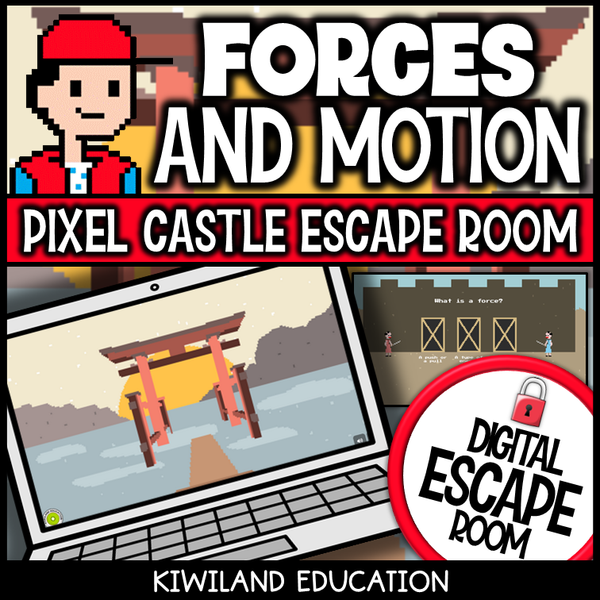
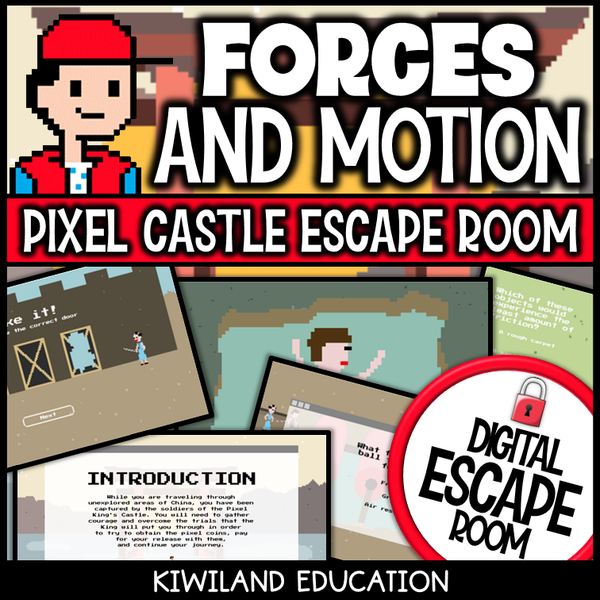
- Start with one skill, not many. A single-focus room is easier to introduce than a mixed review. The Forces and Motion room is a good single-topic science example.
- Pick a subject you are already teaching. There is a room for nearly every subject — math, ELA, science, social studies like the Map Skills room, and even SEL with the Feelings and Emotions room.
- Use the theme to hook reluctant students. Spy missions, beach adventures, and detective cases pull in the students who usually tune out of review.
What should I expect the first time?
Expect a bit of noise, and know that it is the good kind. Students talk more during an escape room because they are comparing answers and reasoning out loud, which is exactly what you want. A few things that surprise first-time teachers: students self-correct without you, because a wrong answer will not open the lock; faster groups stay busy because there is always a next puzzle; and the room ends cleanly when the mission is solved, so you are not left grading a stack of papers. Your main job during the activity is to circulate, nudge stuck groups with a question rather than the answer, and enjoy watching them work.
If your first run goes well, escape rooms slot naturally into review days, early-finisher time, sub plans, and the restless weeks after state testing. They also pair nicely with a print activity — many teachers alternate them with a math detective activity or a reading mystery for a mix of screen and paper.
Do students need accounts or logins?
No. Students open the link and start playing. There are no student accounts to create, and the rooms work through a regular web browser, which is what makes them so quick to launch and easy to assign for remote or hybrid learning.
Are digital escape rooms hard to set up?
Not at all, and this is the single biggest relief for first-timers. There is nothing to build, print, or configure. You get a link, you share it, and the room does the rest. Compared with a physical escape room, which needs boxes, locks, and reset time between classes, a digital room resets instantly and can be run again the next period with a fresh group.
What grade levels are digital escape rooms for?
There are rooms across Grades K to 8. Younger rooms use simpler puzzles and shorter missions, while upper-elementary and middle-school rooms layer in more challenging content and multi-step problems. Because each room is labeled by grade and skill, it is easy to find one pitched at the right level for your class.
Can I use a digital escape room for sub plans or remote learning?
Yes, and they are excellent for both. Since a room is self-checking and self-guiding, it runs without you in the room, which makes it a reliable sub-day activity. And because it lives at a web link, you can assign it for distance or hybrid learning exactly as you would in class.
Where to start
Browse the full Digital Escape Rooms collection to find a room by subject, grade, and theme, then share the link and let students play. For your first time, pick a single-skill room in a subject your class already knows — the format will do the rest.
Read next
- Digital Escape Rooms for Teachers: Transform Your Classroom Learning
- 10 Back-to-School Math Activities That Actually Hook Students
- How to Engage Reluctant Math Students: 7 Strategies That Actually Work
Good first-timer digital escape rooms to try